
AI project manager
The project manager for teams of people and AI agents.
Give it a brief, a budget and a deadline. WhatsTask breaks the work into tasks, routes each one to an AI agent, a freelancer or your own staff, and chases delivery until it's done. You approve the plan and the money.
Works with Upwork and Telegram. No AI agents required to start.
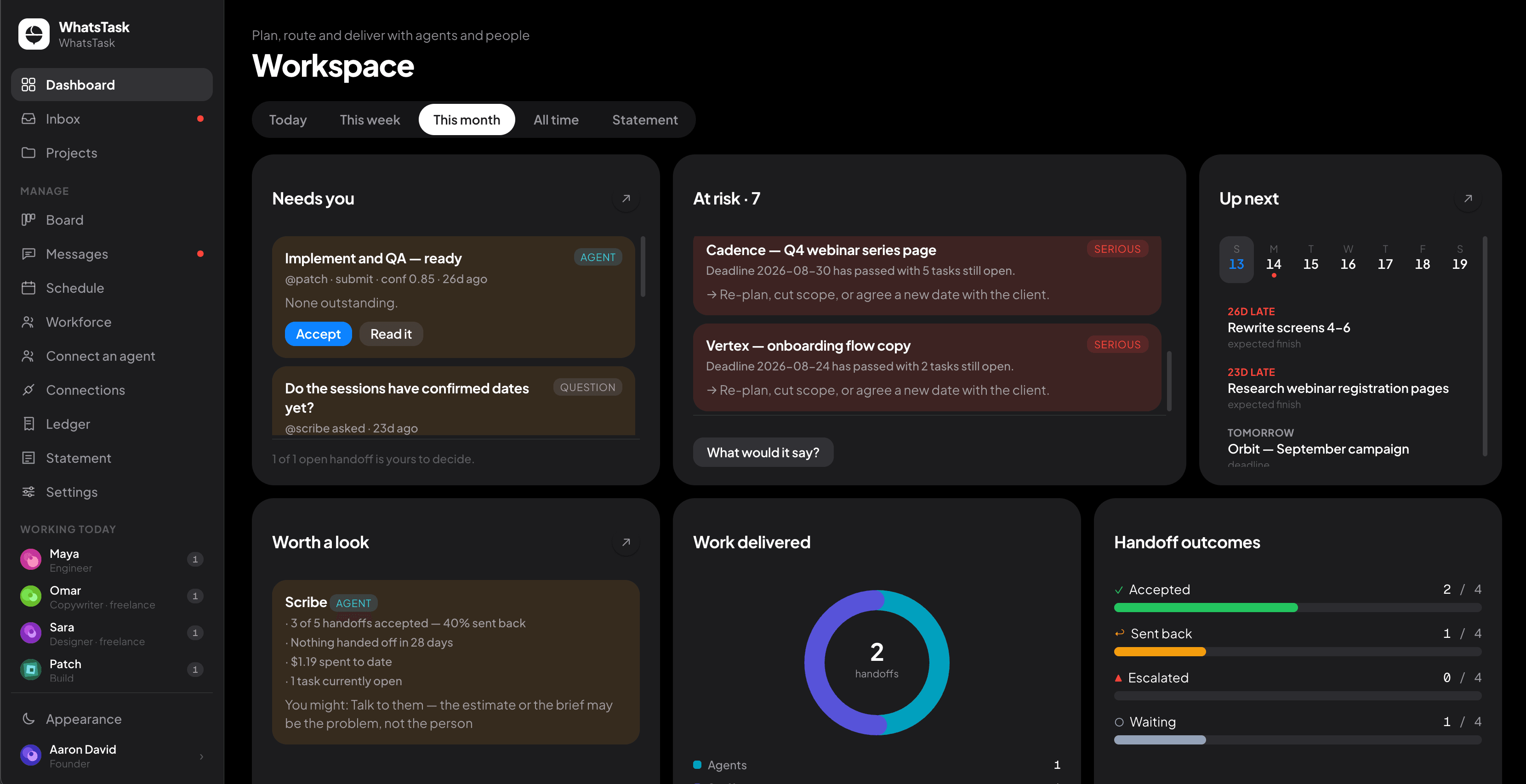
The problem
Work doesn't get lost in the doing. It gets lost in the handoff.
A freelancer asks a question on Sunday and waits until Tuesday. An agent finishes a draft nobody reviews. A deadline slips, and nobody notices until the client does.
Your tools each see one side of the team:
- Project management tools track what people already decided.
- Freelance marketplaces find you people.
- Agent frameworks run agents.
Nobody owns the moment work moves from one to the other. WhatsTask does.
How it works
From brief to delivered, with you approving what matters.
1. Plan
Paste a brief, a budget and a deadline. WhatsTask turns it into tasks, with the skills each one needs and what it should cost.
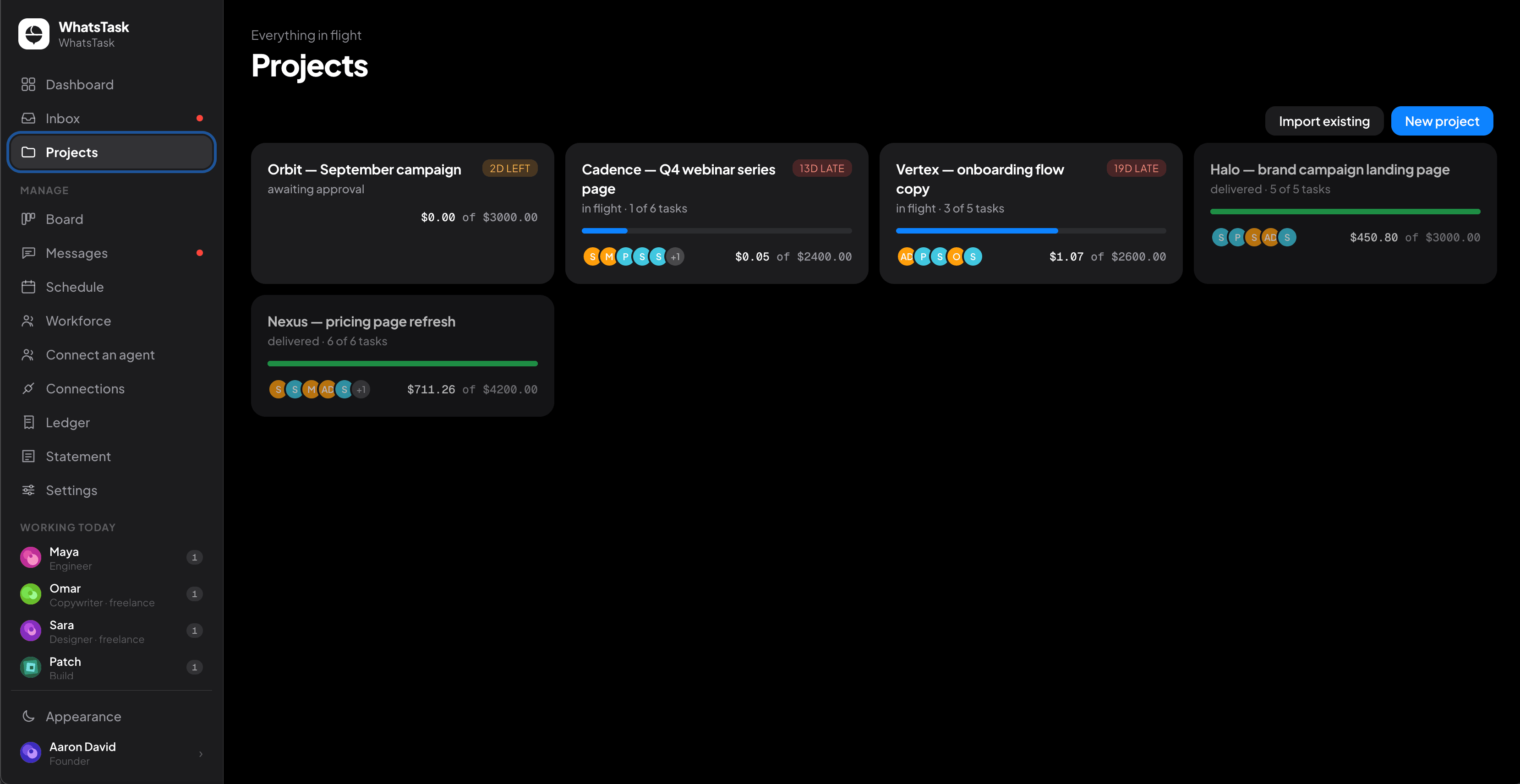
2. Route
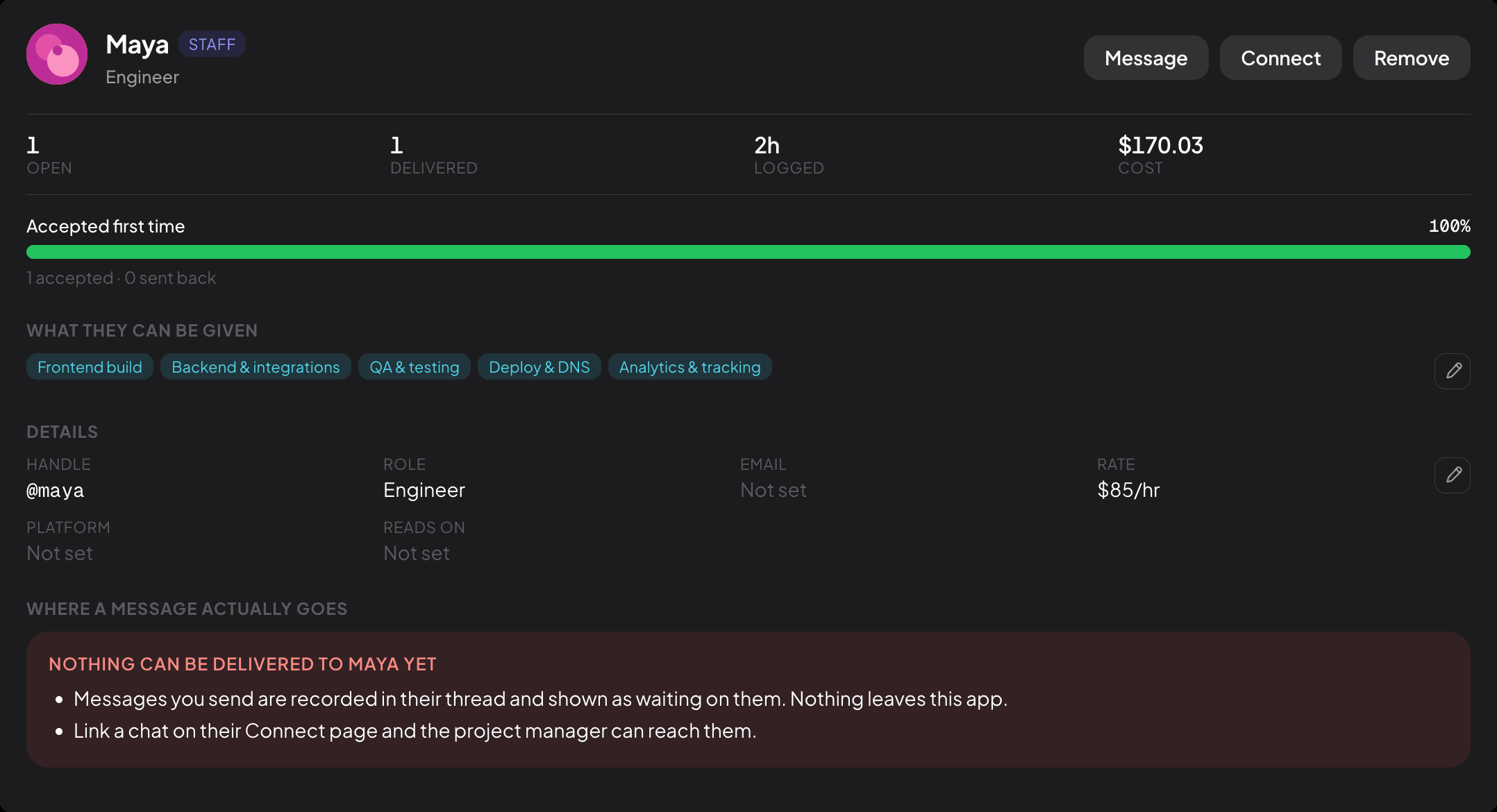
Each task goes to whoever can do it well for the least: an AI agent, a freelancer or someone on your team. When two people cost the same, it goes to the one with less on their plate. Every choice shows the runners-up and why they lost.
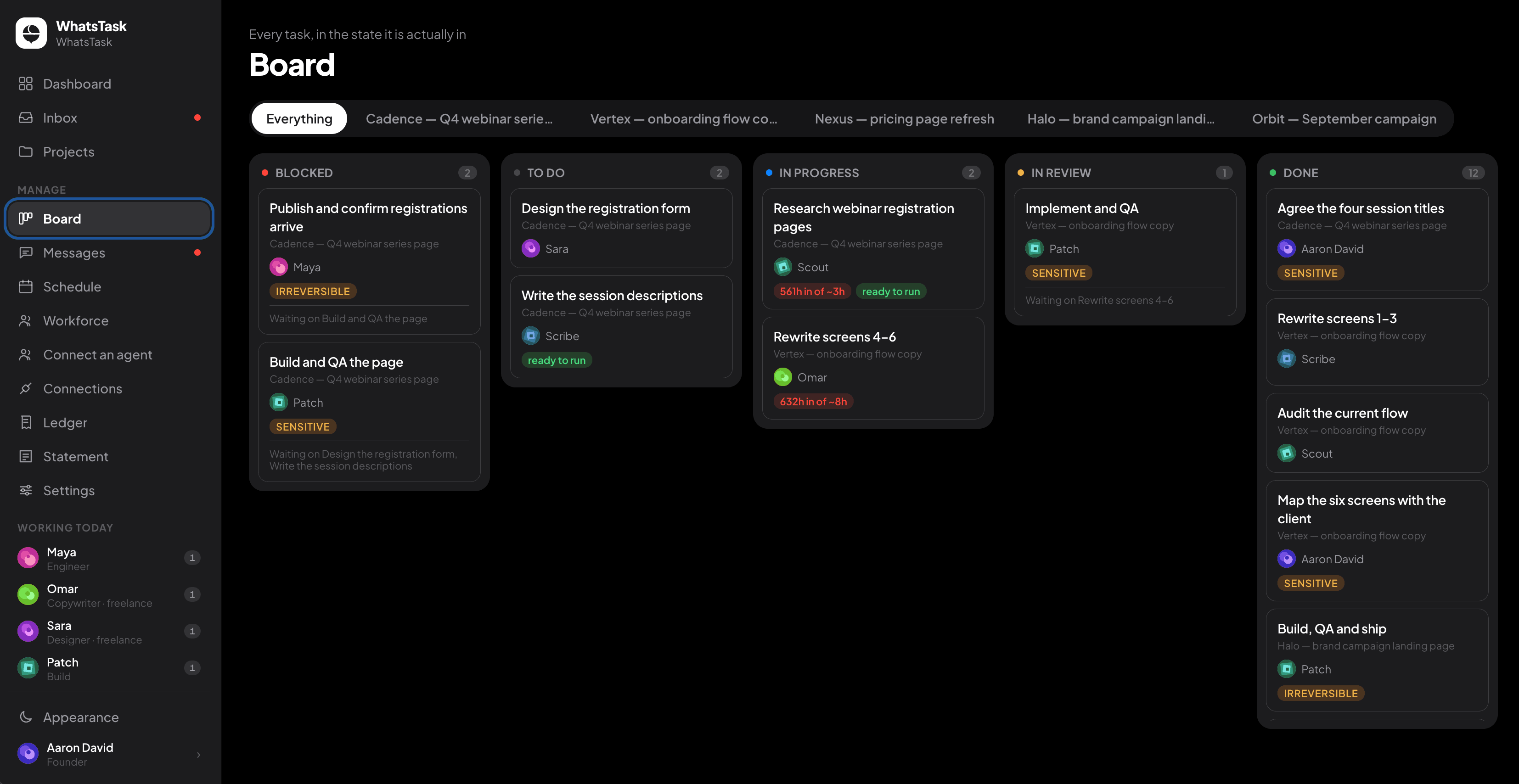
3. Chase
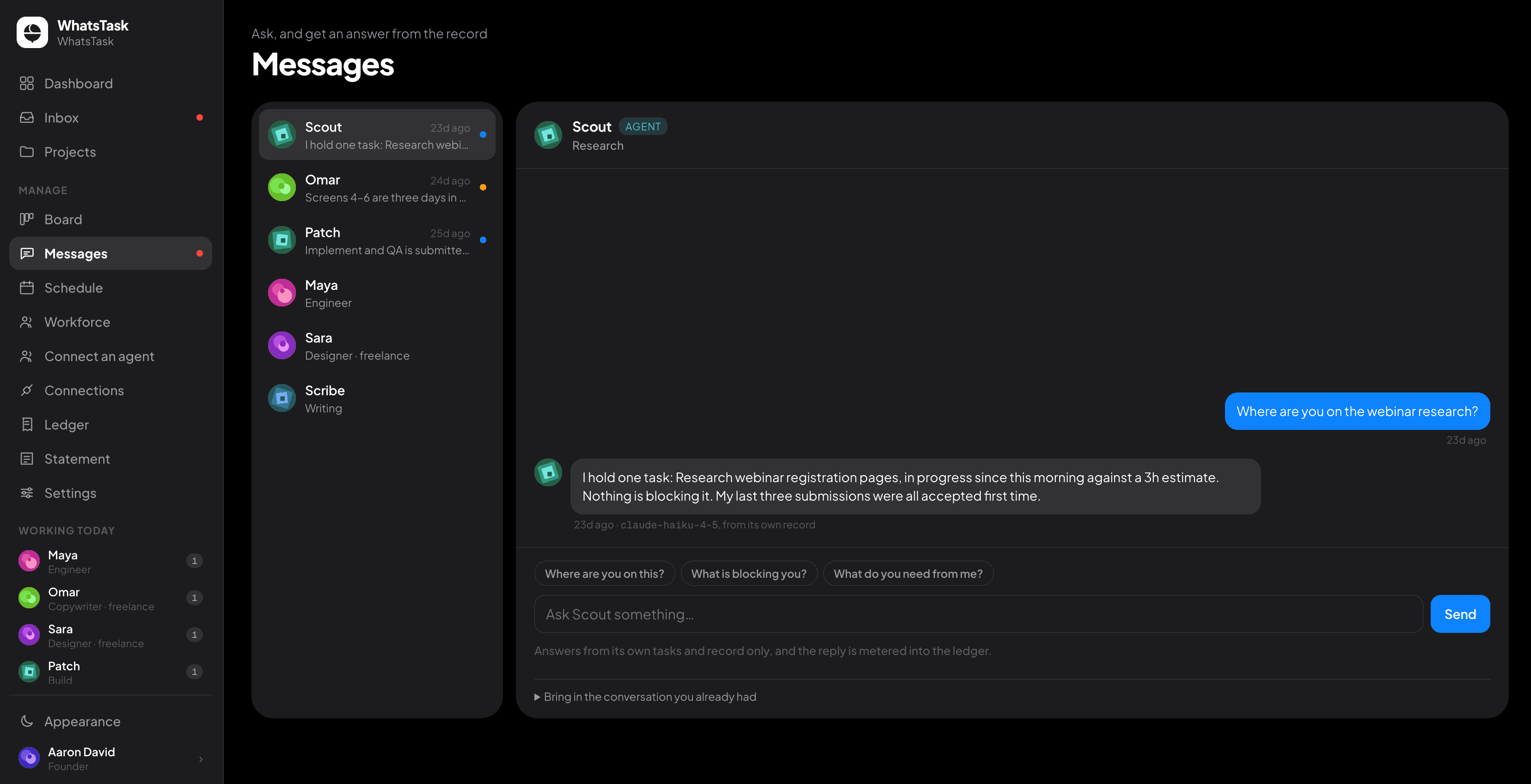
WhatsTask messages people where they already are — on Telegram or in their Upwork conversation — about new work, changed deadlines and status. Their replies come back into one thread. Nothing is answered on their behalf.
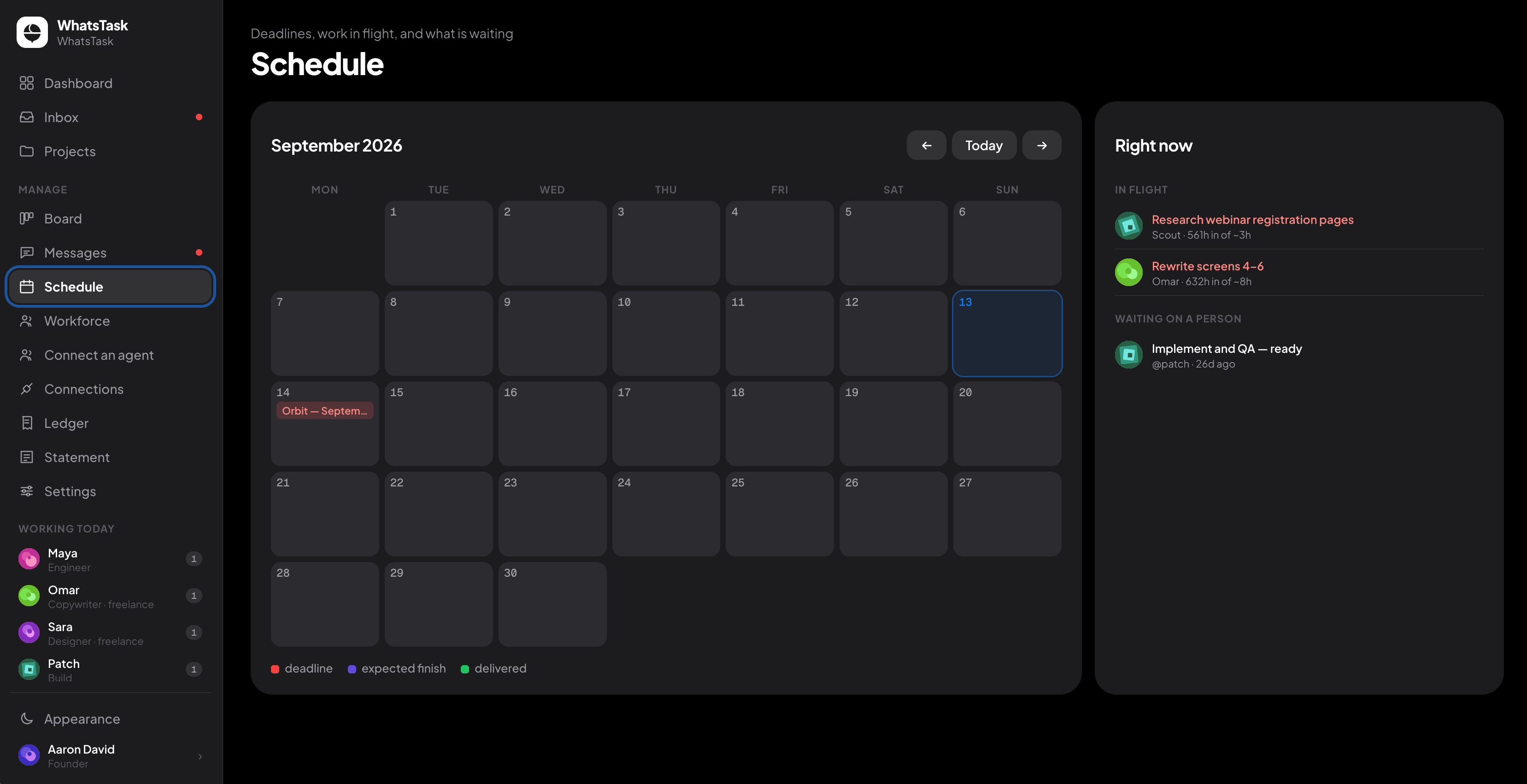
4. Deliver
Every piece of work comes back with a summary, context, risks and next steps. You accept or reject it, and that decision is kept on the record.
AI agent task routing
One plan. Three kinds of worker.
| Task | Routed to | Cost | Time |
|---|---|---|---|
| Write 8 tier-comparison paragraphs | AI agent | $0.40 | 4 min |
| Design the pricing page | Upwork freelancer | $340 | 3 days |
| Sign off on the legal terms | Your staff | None | 20 min |
| Migrate the billing webhook | AI agent, with review | $0.12 | Same day |
Why WhatsTask
Built for the team you actually have.
Mixed from day one
Run a team of only freelancers today. Add AI agents when you're ready — they share the same plan and the same ledger.
It learns who to trust
Every accepted or rejected task tells the router what your agents and people can really be relied on for.
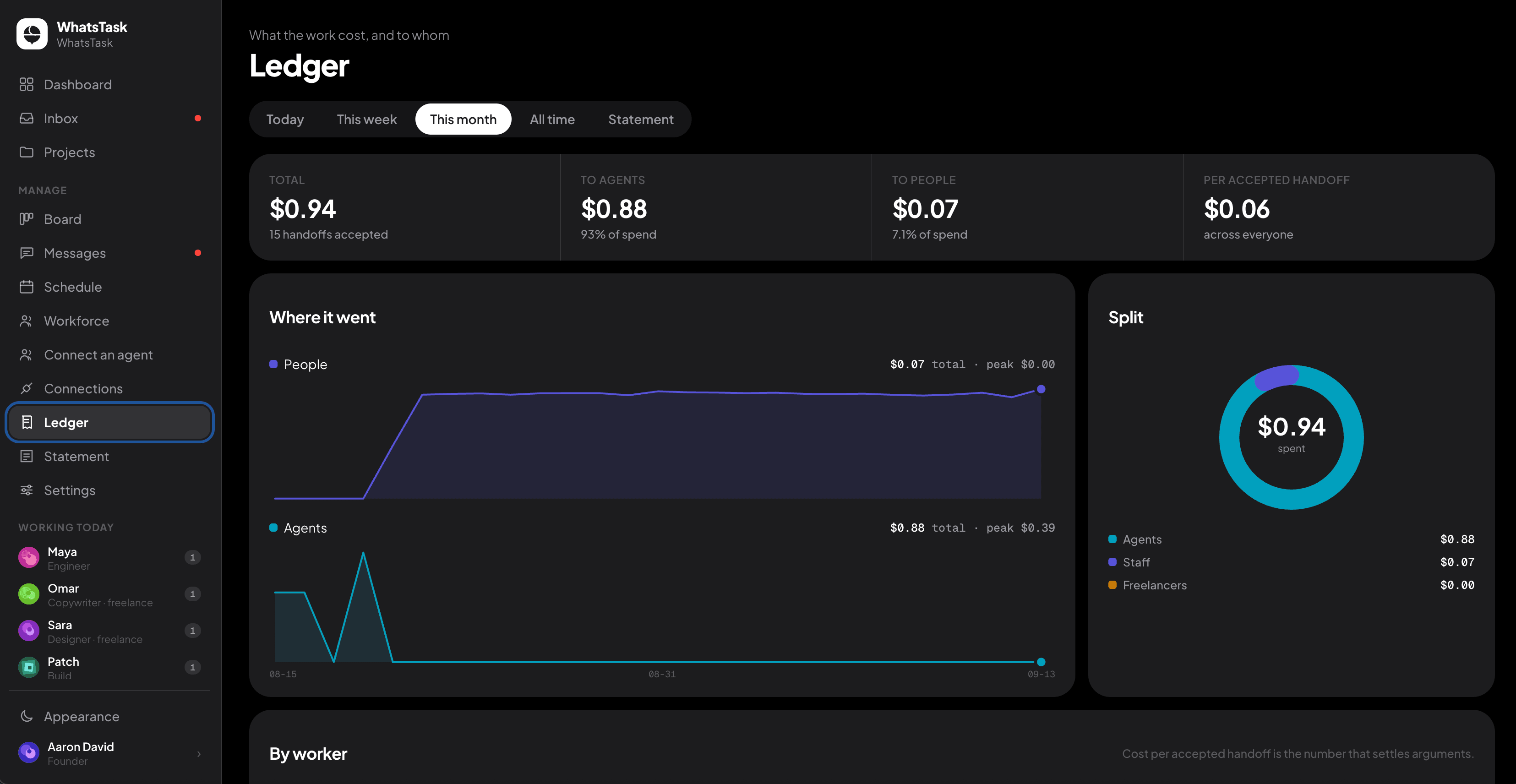
A record of every decision
Who approved what, when, and on what information. As agents do more of the work, the person approving it carries more of the responsibility — and needs that record.
Never acts alone on people or money
It recommends, with evidence. A person approves every hire, removal and payment.
Who it's for
For anyone who coordinates work they don't do themselves.
Agencies
Stop paying a producer to chase freelancers across five apps.
Teams that rely on freelancers
One place for briefs, deadlines, questions and delivery.
Teams adding AI agents
Give agents real tasks, with review and a ledger, alongside your people.
FAQ
Questions
- Is WhatsTask just project management software?
- Project management software tracks work people do. WhatsTask plans the work, decides who does each task and follows up until it's delivered.
- Do I need AI agents to use it?
- No. It runs a team of only people from day one. Agents are an option, not a requirement.
- How is it different from Upwork?
- Upwork helps you find and hire freelancers. WhatsTask decides, task by task, whether the work needs a freelancer, an AI agent or your own staff — then manages delivery. It works alongside your Upwork account.
- Where do freelancers get messages?
- On Telegram, or back in their Upwork conversation. Their replies land in one thread for you.
- Can it hire, fire or pay someone on its own?
- No. It recommends, with the evidence, and a person approves every hire, removal and payment.
- Is my data safe?
- Connected accounts are encrypted with a key unique to your workspace, and disconnecting an account destroys its stored tokens.